AI Notary Stamp: When “Official-Looking” Meets Actually Official
AI Notary Stamp: When “Official-Looking” Meets Actually Official
If you’ve ever handled agreements, onboarding packets, or cross-border paperwork, you already know the problem: documents move fast, but trust still needs a visible signal. An AI notary stamp sits right at that intersection—helping teams generate consistent, professional stamp layouts for digital workflows, without pretending to replace a real notarial act.
Before going further, it’s worth separating two ideas that often get mixed up: a stamp that looks like a notary seal, and a stamp that functions as part of notarization. A traditional notary seal is used to authenticate the notary’s signature and make the notarial act official, and it typically includes commission information.

What a notary stamp actually signals
A notary stamp (or seal) is widely understood as a credibility marker because it indicates a notary verified identity and witnessed signing in a formal process. That’s why the visual details—name placement, jurisdiction line, commission expiry, and clean legibility—matter so much: people rely on those cues when they review documents quickly.
In digital-first environments, the same “trust cue” is often needed even when the stamp is used for internal steps like “Reviewed,” “Certified Copy,” “Received,” or “Pending Signature.” In those cases, the goal isn’t to impersonate notarization; it’s to reduce confusion and standardize how documents look across departments.
Where AI helps (and where it shouldn’t)
AI is good at the repetitive parts humans don’t want to do: formatting, spacing, alignment, consistent typography, and producing multiple versions of the same stamp for different templates. It can also suggest layouts that remain readable at small sizes—important when a stamp ends up embedded in a PDF and then printed.
Where AI should not be used is as a shortcut around legal requirements. Real remote online notarization relies on technology that makes the notarization tamper-evident and uses an electronic notary seal and related verification mechanisms. In other words, the “stamp image” alone is not the security layer—evidence of change detection and verifiability are part of the point.
Read More:-From Idea to Imprint: The Story of Designing a Perfect Round Stamp
Designing a practical “AI notary stamp” for everyday workflows
When people search for an AI notary stamp, they often want something that looks credible, prints cleanly, and fits modern digital documents. Here’s a practical approach that keeps things professional and reduces compliance risk:
- Use neutral labels for internal use (e.g., “Reviewed,” “Verified ID on File,” “Document Control,” “For Internal Processing”).
- Avoid restricted terms like “Notarized” unless the stamp is used by an authorized notary in the correct context.
- Keep the geometry simple (round or rectangular), with strong contrast and enough padding so it doesn’t blur when compressed.
- Build two versions: one optimized for screens (slightly thinner lines) and one for printing (slightly thicker lines).
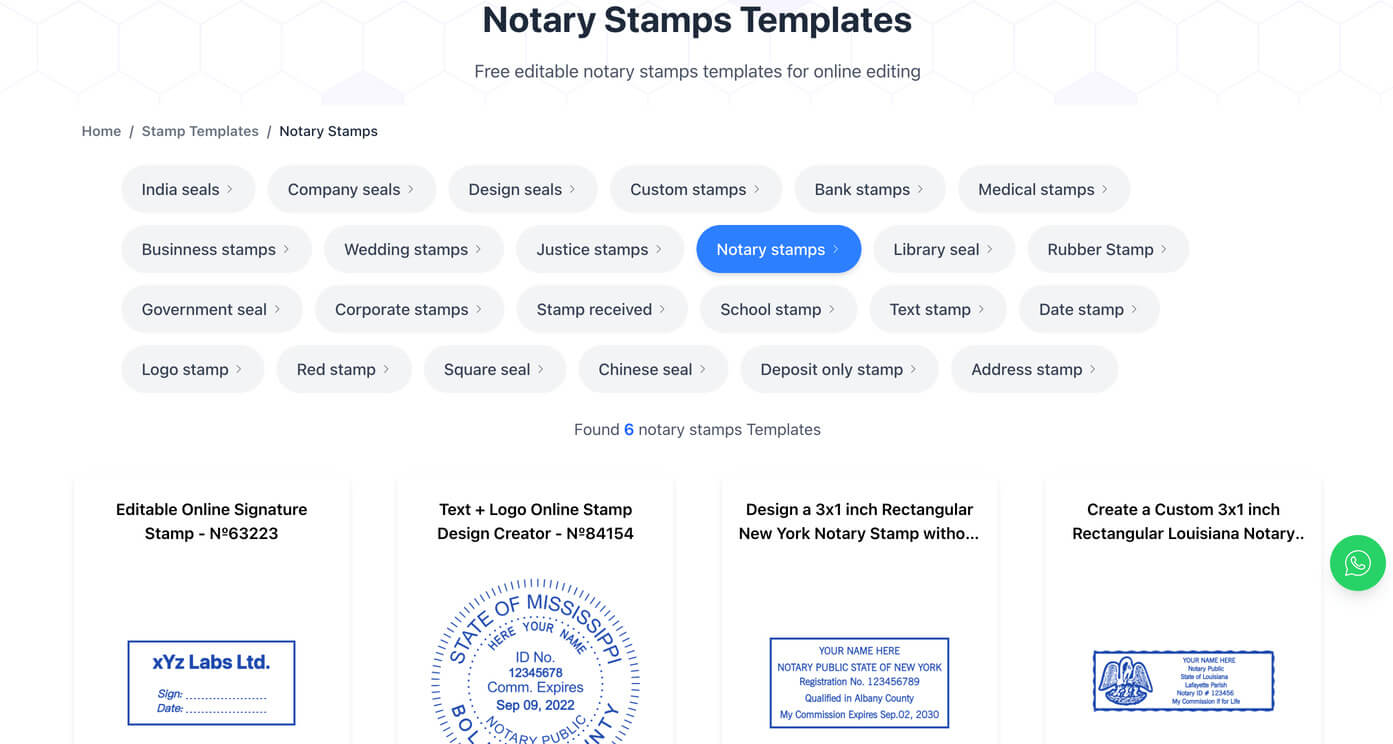
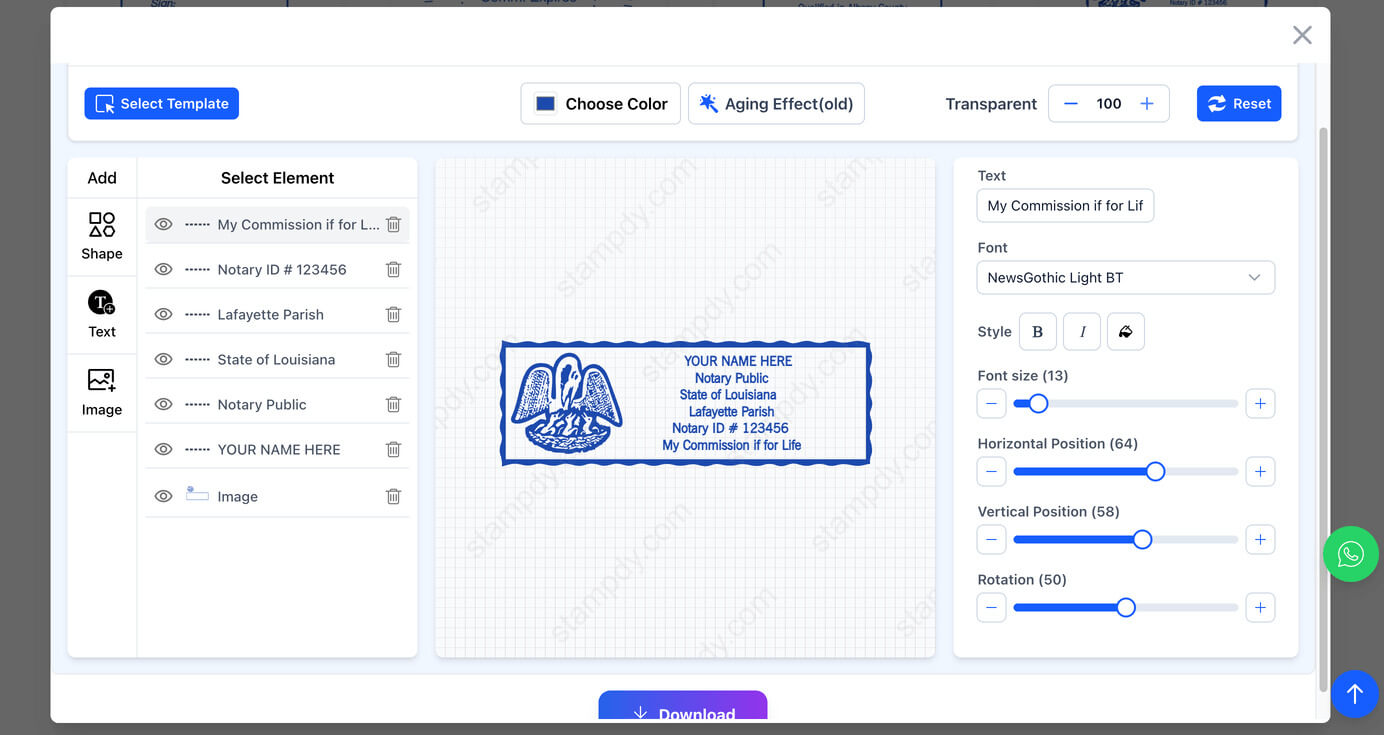
If you’re publishing stamps or templates on a website, an online stamp maker can be a straightforward way to generate consistent files (PNG/SVG) for different page sizes and document types. Many teams also keep a “master” stamp set in one place so every department stops reinventing the wheel.
Read More:-Navigating the World of Official Stamps: Why They're Still Essential in Today's Digital Age
Using stamp tools without keyword stuffing
In practice, users don’t search perfectly—they try a few phrases until they find something easy. That’s why it helps to support multiple intent patterns: someone might type stamp maker because they want full control, while another person might search stamp maker online free just to test a layout before committing to a final version.
A good workflow looks like this:
- Draft the stamp text (what the stamp means in your process).
- Generate 2–3 layout options in a stamp maker, focusing on legibility and spacing.
- Export in the formats you actually use (PNG for quick drop-in, SVG for crisp scaling).
- Store the final version with a short usage note: where it goes on the page and when it’s allowed.
This keeps the stamp consistent, prevents “almost the same” duplicates, and avoids accidental misuse—especially when multiple people touch the same document over time.
Common mistakes that make stamps look suspicious
Even if your intent is harmless (like internal approvals), certain design choices can raise eyebrows:
- Overly ornate seals that imitate government embossers too closely.
- Tiny text that becomes unreadable after PDF compression.
- Random IDs or “commission numbers” that don’t map to anything real.
- Inconsistent capitalization and spacing—small details that make reviewers doubt authenticity.
A clean, minimal stamp can look more trustworthy than a complicated one. The goal is clarity: a reviewer should understand the stamp’s purpose in a single glance, whether they’re reading on a laptop or holding a printed copy.