Step 1
Create or reuse a stamp
Make a signature stamp, upload an image, or pick a saved stamp asset.
Stampdy brings a practical stamp maker, signature maker, PDF editor, and business signing workflow into one place, so everyday documents move faster without feeling complicated.
PDF workflow preview
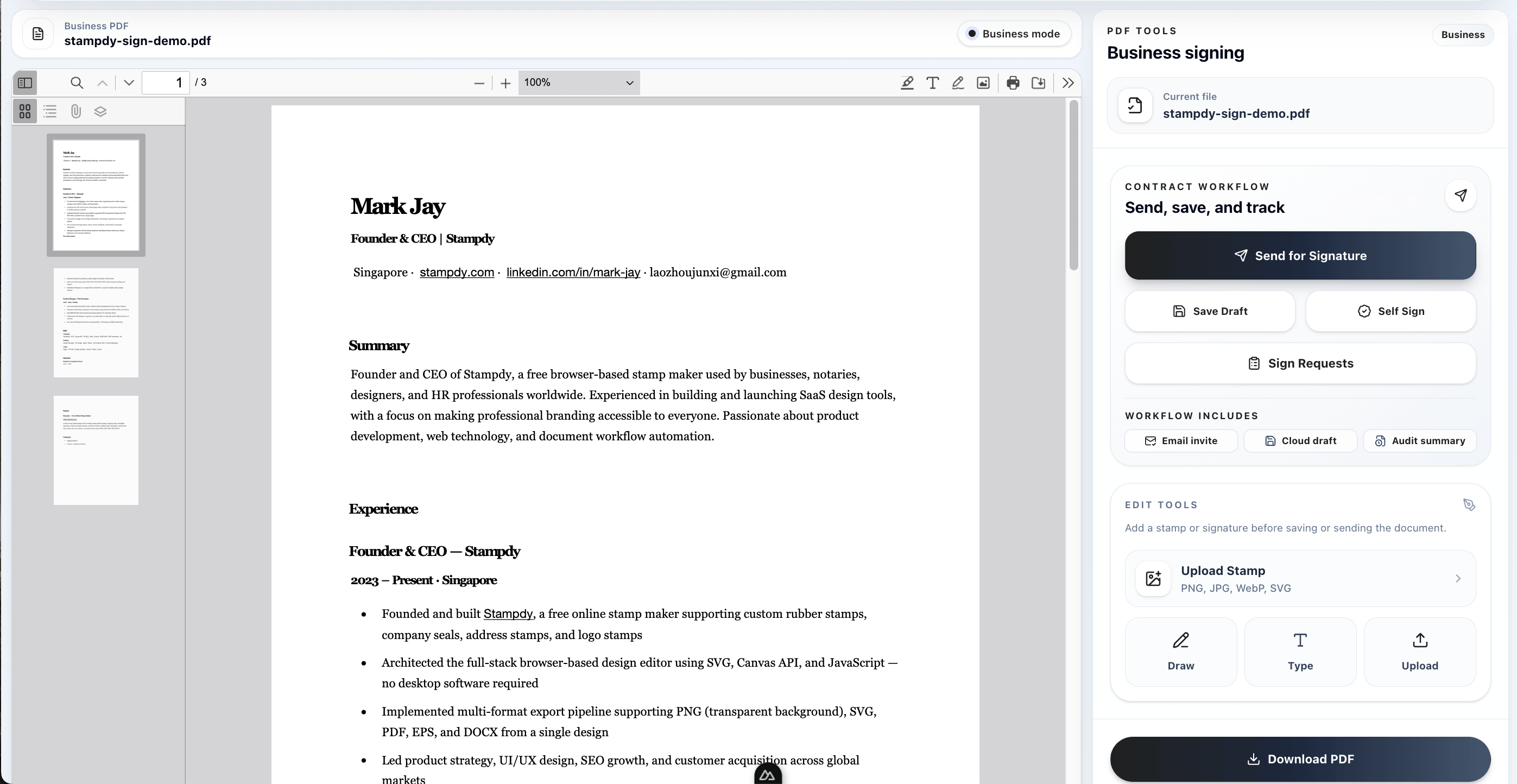
Make a signature stamp, upload an image, or pick a saved stamp asset.
Resize and position the mark exactly where the document needs it.
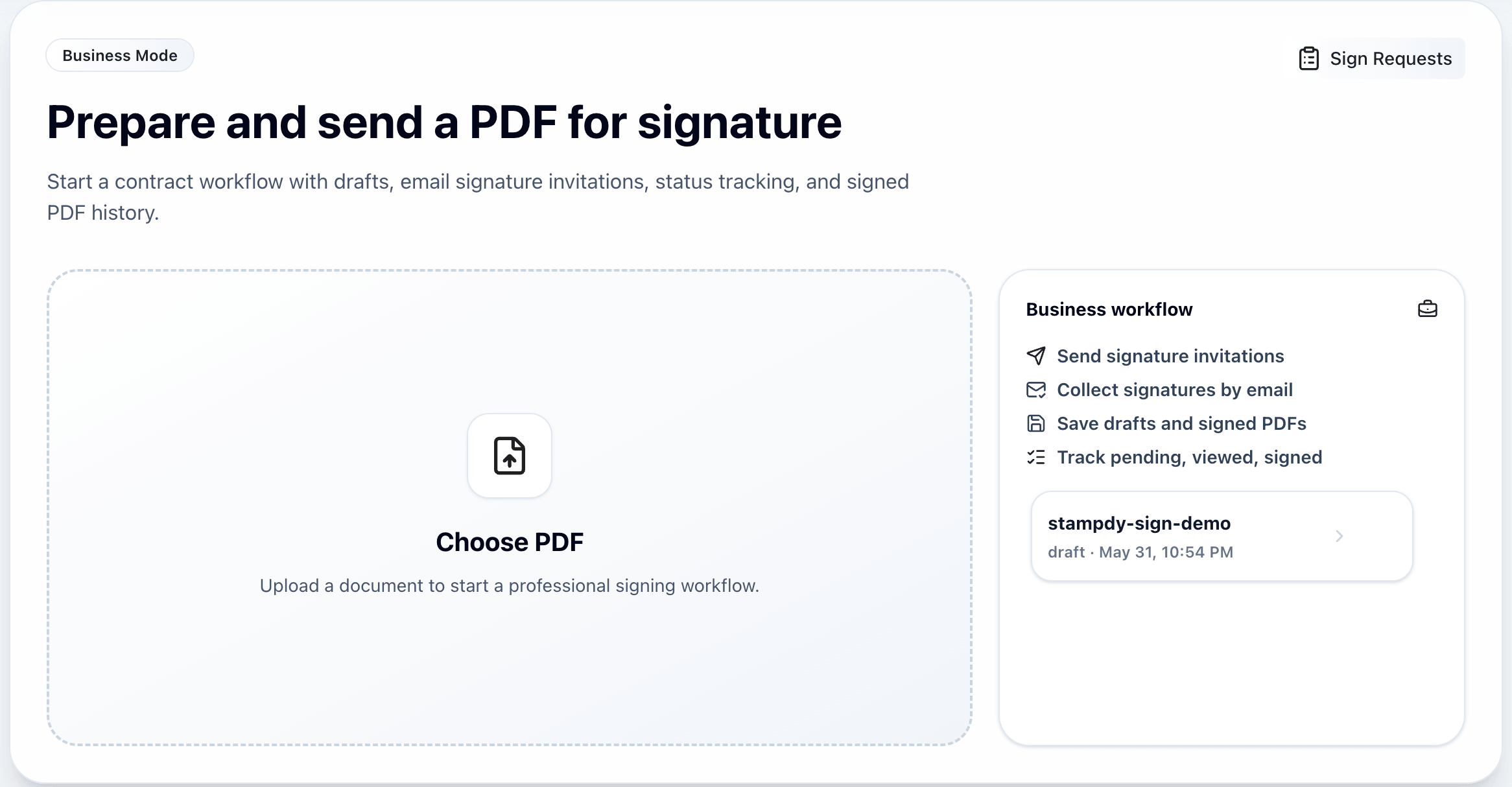
Use Business Mode when another person needs to sign from an email link.
Use the stamp maker to design a sharp signature stamp or company seal for daily paperwork.
Add a stamp, saved signature, or image directly on the document and keep the placement clear.
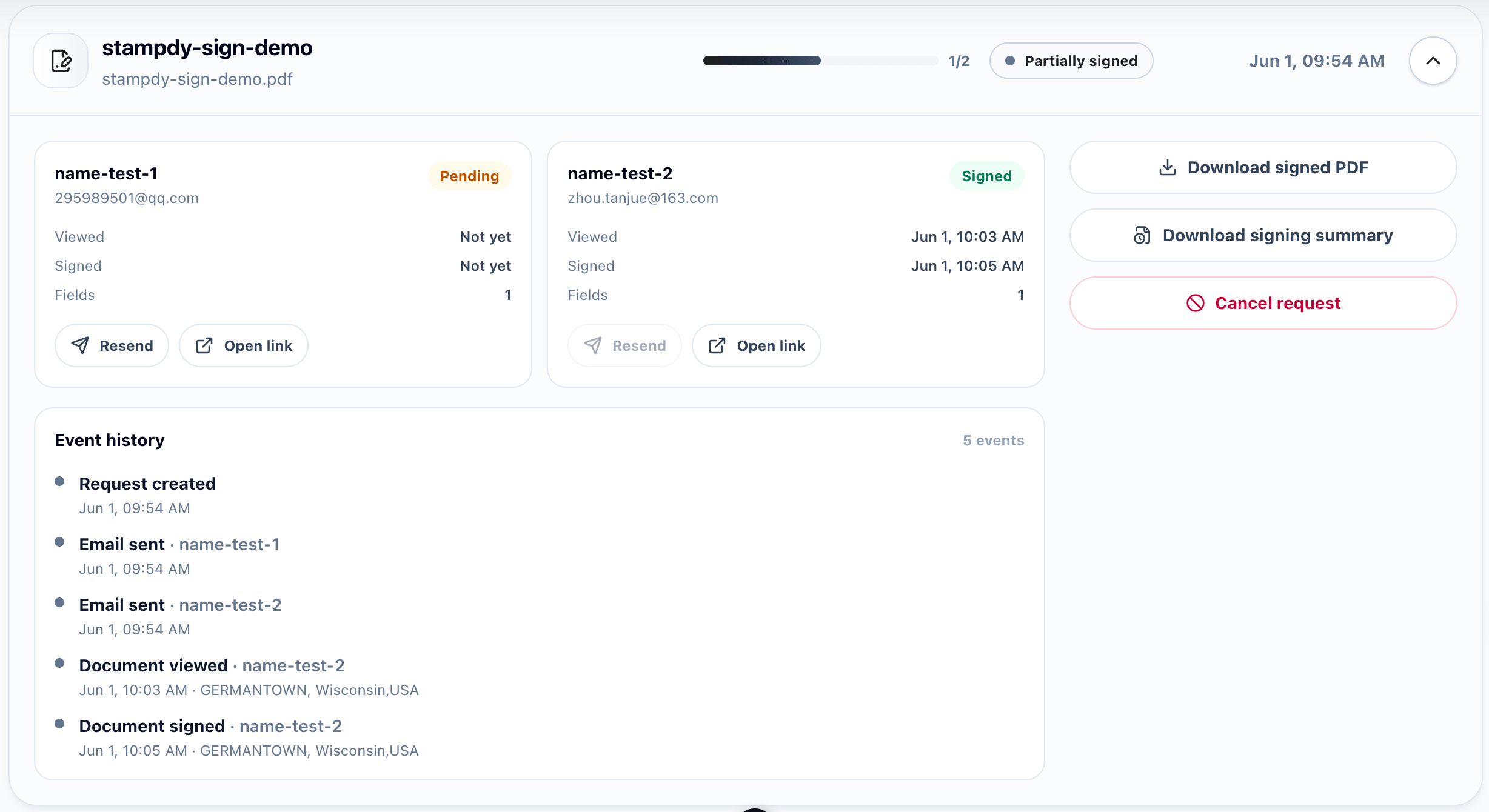
Business Mode adds email links, access codes, reminders, and signed PDF history.
From stamp maker to signed file
Use the free PDF editor when you only need a quick visual mark. Use Business Mode when someone else needs to sign and you want the file, status, and summary saved together.
Draw, type, upload, and reuse signature assets without leaving the PDF workflow.
Prepare transparent stamp artwork that reads clearly on invoices, forms, receipts, and contracts.
Keep uploaded PDFs, drafts, signed files, and summaries together when you need a record.
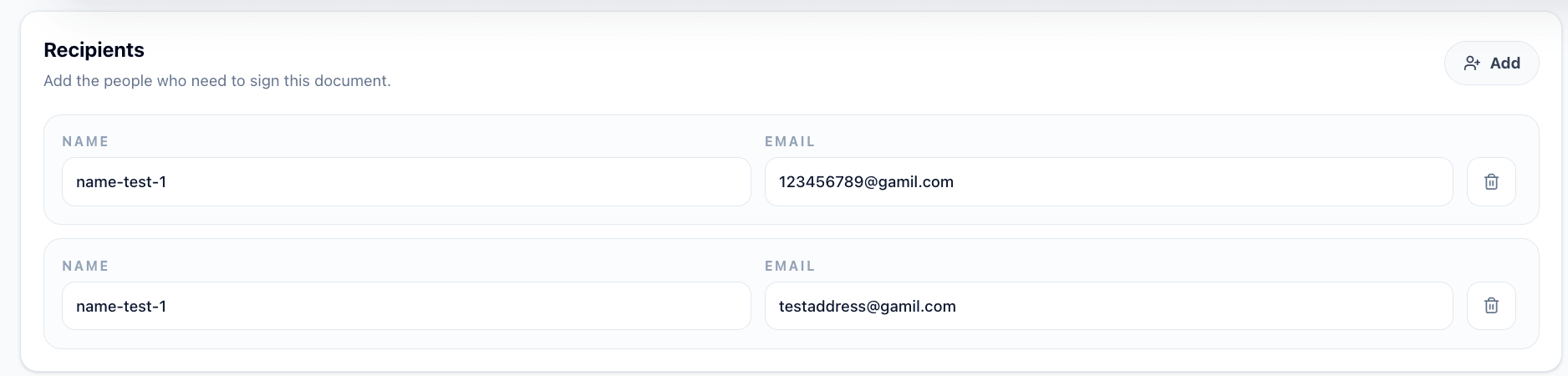
Guide recipients through a focused link so each signer knows exactly where to act.
Product flow
These screens show where a signature generator, stamp tool, and business request layer meet.
Why it works
A visual signature alone is useful. A digital signature workflow becomes stronger when the same PDF also carries signer instructions, reminder settings, and a final signed file.
Send vendor forms, HR packets, and client approvals without passing files back and forth.
Turn routine approvals into a repeatable flow with saved PDFs and clear signer status.
Use smart contract management habits without adding a complicated contract platform.
Best fit
Stampdy keeps the casual path fast and the business path traceable.
Upload a PDF, create a stamp, or bring in a signature image for one-off editing.
Place stamps and signatures on the page before sharing the file with another person.
For business requests, keep signer status, reminders, signed PDFs, and summaries connected.
FAQ
A signature stamp is a visual mark you place on a document. An electronic signature workflow also sends the document to a signer, records activity, and keeps the signed PDF connected to the request.
Yes. You can create signature artwork, place it on PDFs, and use Business Mode when another person needs to sign from an email link.
Yes. Stampdy remains a stamp maker for round, square, rectangular, logo, date, and signature stamp designs.
No. Free PDF signing is best for one-off edits. Business Mode is for email signing requests, cloud history, reminders, and signed file records.
Stampdy workflow