Enterprise PMO Contract Seal Procedures for Vendor Milestone Approvals
An online stamp design maker can create a visual mark for a project document, but it cannot decide whether a vendor milestone has been earned or whether a contract authorizes payment. A sound PMO procedure separates those decisions: the delivery owner verifies evidence, the commercial owner checks contract conditions, the approver records a decision, and only then may an authorized user apply the correct seal or status stamp.
This article sets out a practical control sequence for milestone submissions. It focuses on document identity, role boundaries, exception handling, and evidence retention rather than treating the stamp image as proof by itself.
Define What the Contract Seal Means
Start by naming the event represented by the mark. “Approved,” “reviewed,” “accepted,” and “ready for payment” are not interchangeable. A technical reviewer may confirm that a deliverable was inspected without accepting commercial liability. A finance team may release an invoice only after separate contractual conditions are met.
For each stamp or seal, document:
- the exact status wording;
- who may apply it;
- which source evidence must exist first;
- which document receives the mark;
- whether the mark expires or can be superseded;
- what action the next team may take.
If the organization is still choosing a layout method, the online rubber stamp creator guide explains common design inputs. That design step should follow, not replace, the PMO's status definition.
Build a Milestone Evidence Packet
Require the vendor to identify the contract, work package, milestone, submission version, and date. The packet should point to the acceptance criteria and contain the evidence the contract requires, such as a deliverable, test record, sign-off, or issue list. Requirements vary by agreement, so the PMO should not invent a universal checklist and apply it to every contract.
Assign one packet identifier and use it in review notes, filenames, and the decision record. This prevents an approval intended for version two from being copied onto version three. If evidence is distributed across systems, the packet may contain references rather than duplicate sensitive material, provided authorized reviewers can retrieve the referenced record.
The online stamp design maker overview can support a consistent visual label, but packet completeness must be evaluated against the actual contract and project controls.
Assign Review Roles Before the Submission Arrives
A milestone slows down when the PMO begins looking for approvers after receiving the packet. Maintain a role matrix that identifies the delivery reviewer, project manager, commercial or procurement reviewer, finance contact, and final decision owner for each milestone type. Include delegates and escalation timing, but do not let a delegate approve outside the authority assigned by the organization.
The matrix should distinguish advice from decision rights. Legal, security, quality, or compliance teams may review a specific issue without becoming the overall milestone owner. Record their input next to the requirement it addresses so later readers can understand the scope of the review.
For smaller teams developing a basic design before formal rollout, a rubber stamp creator free workflow can be used for layout exploration. Restrict final assets to authorized users and preserve the approved version separately.
Use a Controlled Decision Sequence
A clear sequence reduces parallel comments that conflict with one another:
- Log the submission. Record receipt time, vendor, milestone, and packet version.
- Check completeness. Confirm that required components are present without deciding the outcome.
- Perform specialist reviews. Route only the relevant material to each reviewer.
- Consolidate findings. Separate blocking defects from questions and optional improvements.
- Record the decision. Approve, reject, or return for correction using defined wording.
- Apply the authorized mark. Use the final document version and verified status.
- Notify downstream owners. State what may happen next and what remains restricted.
Do not place an approval stamp on a draft that will continue to change. If the working format must remain editable, generate a locked decision copy or record the approval in the project system and link it to the exact file version.
Design the Mark With an Online Stamp Design Maker
The mark should communicate only the status assigned by the procedure. Include a compact project or department identifier when necessary, but avoid adding authority-sounding language that has not been approved. A date, reviewer identifier, packet number, or version can help trace the decision, depending on policy and available space.
Use an administrative stamp workflow to compare ownership and handoff patterns before finalizing the fields. Keep sensitive personal data out of a reusable template unless policy specifically requires and protects it.
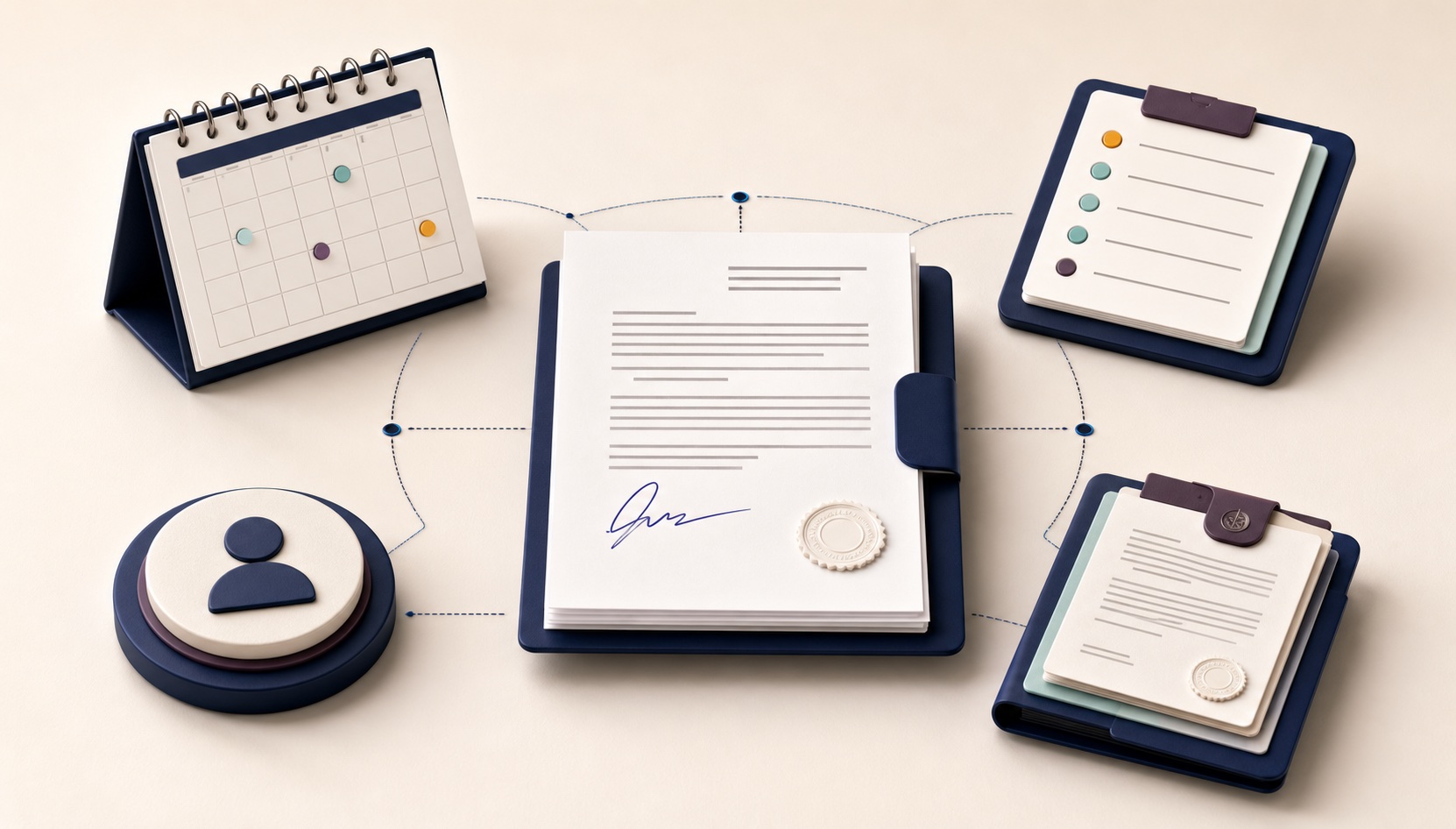
Test the mark at its intended display or print size. Verify that the status, date, and identifier remain readable, and that the mark does not obscure contract text or signatures. If color carries meaning, ensure the status remains understandable when printed in grayscale.
Handle Exceptions Without Reusing the Wrong Status
Common exceptions include partial acceptance, conditional approval, disputed evidence, late submission, and a change to the responsible approver. Do not solve these cases by applying the closest existing stamp and explaining the difference in an email. Use a defined conditional status or leave the document unstamped while the decision remains unresolved.
An exception record should identify the affected requirement, temporary condition, owner, due date, and consequence if the condition is not resolved. When the final decision changes, preserve the earlier record but clearly supersede the earlier marked copy.
The stamp maker online guide can help prepare a distinct visual variant, but the PMO must approve its meaning before use. Visual differences should reinforce a documented status, not create one.
Preserve the Approval Record Through Handoff
The downstream finance or procurement team needs more than a stamped page. Provide the packet identifier, decision status, approved amount or milestone reference where applicable, decision date, approver, unresolved conditions, and location of the evidence. Limit access according to the organization's contract and data policies.
Store the final marked document with the corresponding decision record. Avoid emailing detached stamp images that could be reused on another file. When a correction is required, issue a new version and document why the earlier copy was withdrawn.
The handoff should also state whether the decision authorizes a specific next step or merely closes the PMO review. For example, technical acceptance may allow project work to continue while an invoice remains subject to procurement and finance checks. If downstream teams need different evidence, list those requirements explicitly instead of relying on the visual mark to carry every meaning. This boundary prevents a status designed for one workflow from being treated as universal authorization.
Teams that need a low-friction starting point for controlled layouts can review the stamp maker online free guide. Access to a tool should remain separate from permission to approve a contractual milestone.
Audit the Procedure With Exceptions, Not Invented Success Metrics
Review a sample of completed and returned packets. Check whether reviewers used the correct version, whether the decision matched documented evidence, whether conditions were closed, and whether downstream teams received a complete handoff. Count events only after defining them; “approval delay” is not meaningful unless start, stop, and paused states are clear.
Use findings to adjust fields, ownership, or instructions. Do not claim that the stamp itself shortened approval time. A clearer process may reduce avoidable rework, but the PMO should measure its own baseline and results before making that conclusion.
Include withdrawn and superseded decisions in the audit sample. They reveal whether users can distinguish the current record from a historically valid one and whether notification reaches every dependent team. Where the audit finds a recurring misunderstanding, revise the status definition or handoff text before redesigning the artwork. A visually stronger seal cannot repair an ambiguous decision model.
Before publishing a revised procedure, walk one completed packet from submission through downstream handoff. Confirm that every role can reach the same decision copy, interpret the status consistently, and locate unresolved conditions without consulting private side messages.
Frequently Asked Questions
Is a contract seal the same as milestone acceptance?
No. The seal is a visual representation of a decision made under the project and contract procedure. The acceptance authority, criteria, and consequences come from the governing documents and assigned roles.
Should every reviewer have access to the final stamp file?
Not necessarily. Review participation and authority to apply the final mark are different permissions. Restrict the asset according to the organization's control model.
Can a milestone be partially approved?
Only when the contract and internal procedure support that status. Define the accepted scope, remaining conditions, owner, and downstream effect rather than using a general approval mark.
What if the vendor resubmits after approval?
Treat the resubmission as a new version. Determine whether the earlier approval remains valid, repeat the required review, and prevent the old marked copy from being mistaken for the current decision.
Conclusion
An online stamp design maker helps produce a consistent PMO status mark, but reliable milestone approval comes from the surrounding controls: define the meaning, identify the packet, assign authority, review the correct version, manage exceptions, and preserve the evidence. Apply the seal only after the decision exists, and never present the image itself as contractual proof.