Start wide, then refine
Keep the whole border in the first selection. A second crop can remove the remaining margin.
Included with Premium access
Upload a stamp sheet, scan, or photo and keep only the mark you need. Drag a rectangular or round selection, enter exact pixel dimensions, and export the cropped stamp as a PNG.
PNG, JPG, or WebP up to 40 MB. A larger image gives you more room for precise cropping.
Or paste an image Ctrl V
How it works
A crop keeps the original stamp pixels and removes everything outside the selected area. Use a rectangle for square seals and document marks, or a round mask for circular and oval stamps.
Choose the scan, photo, or stamp sheet that contains the mark you need.
Pick a rectangle or round shape, then drag the area or enter exact coordinates.
Crop again when needed, check the live preview, and save the final PNG.
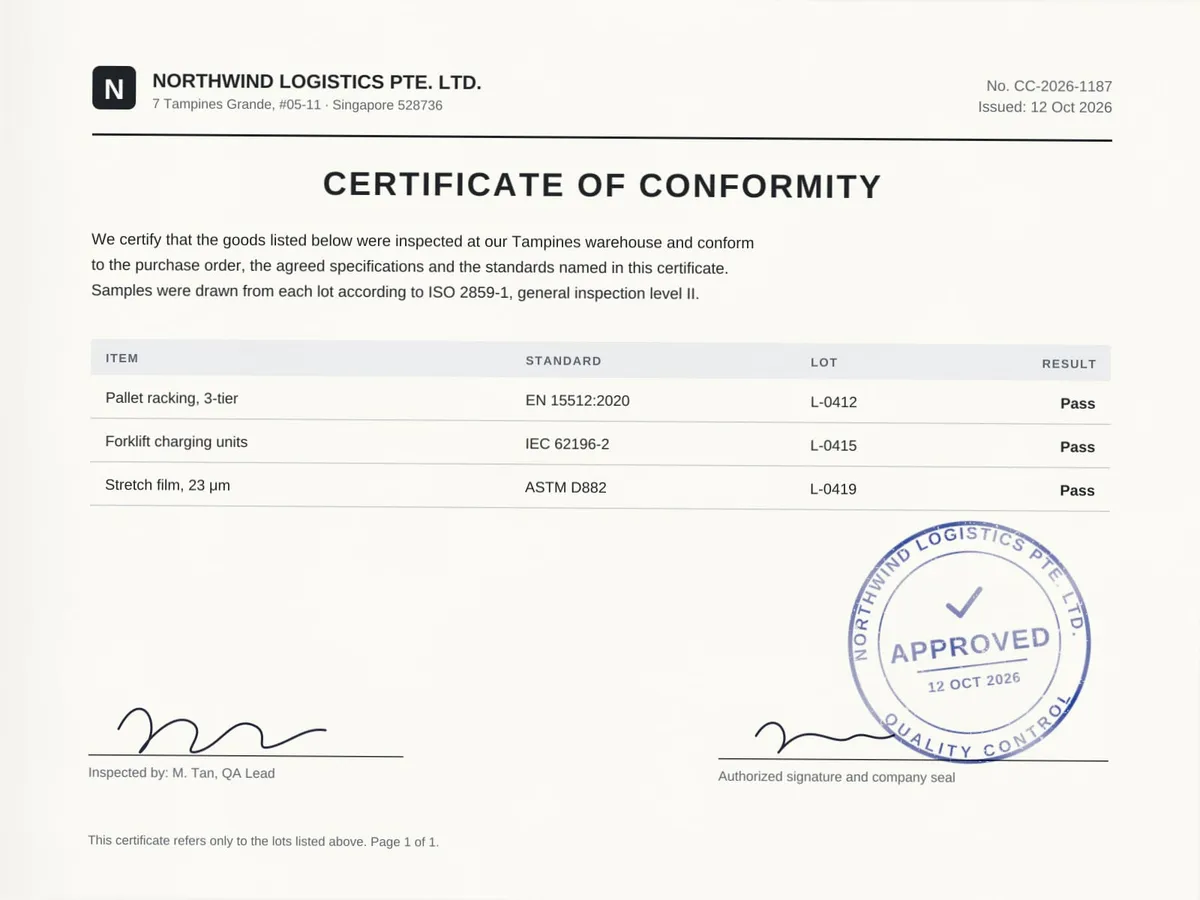

Start with a generous selection so no border is lost, then tighten the crop with the handles or exact pixel fields. For difficult scans, enable another crop pass and refine the result.
Keep the whole border in the first selection. A second crop can remove the remaining margin.
Use a rectangle for square marks and a round mask for circular or oval seals.
Exact left, top, width, and height values help when a batch uses the same layout.
Cropping runs locally in your browser; the source image is not uploaded for processing.
Practical answers about crop shapes, pixel coordinates, repeated crops, and document privacy.
Yes. Rectangle keeps every pixel inside the selected box. Round / oval makes the pixels outside the selected ellipse transparent.
Left and top set the selection origin from the image's top-left corner. Width and height control the output dimensions in pixels.
Use another pass after a rough crop, especially when the original scan is large or the final edge needs closer adjustment.
No. Cropping and PNG generation run in your browser, so the source image stays on your device.
If the mark still includes paper or text, first extract stamp from image. Then rebuild it in the stamp maker, explore new layouts with stamp generators, or convert another image with the stamp maker online free.
add stamp background: Place a solid or translucent color behind the transparent pixels while preserving the original stamp size and ink.
Continue: rotate stamp online, resize stamp online.