Flare
Create from a description
Create detailed stamps faster, from simple styles to rich textures and complex layouts.
01
Upload a logo, company name, trademark, or icon. It will remain the visual focus of your stamp.
Only mention text, initials, or symbol details that must not change. The options in step 2 control the stamp type, style, and color.
02
Choose the image type, stamp type, style, and color that will guide the conversion.
Pick any color or preset.
Sign in to save generated stamps to AI History.
OpenAI GPT-Image-2.5 Sunburst Edit Turn your artwork into a stamp while preserving its character.
Our AI keeps getting better
Every model upgrade is included—better tools and sharper results, at no extra cost.
No upgrade fee
Our most capable stamp maker yet
New stamps now come in 2K, with four times the pixels of our previous 1K images.
Transparent PNG, international stamp styles, and your choice of color.
Create detailed stamps faster, from simple styles to rich textures and complex layouts.
Refine logos, lettering and intricate designs while keeping the character of your image or template.
Fine detail takes more time.Image-to-stamp examples
Compare the reference artwork with the stamp design. See what stays recognizable and how the layout changes.
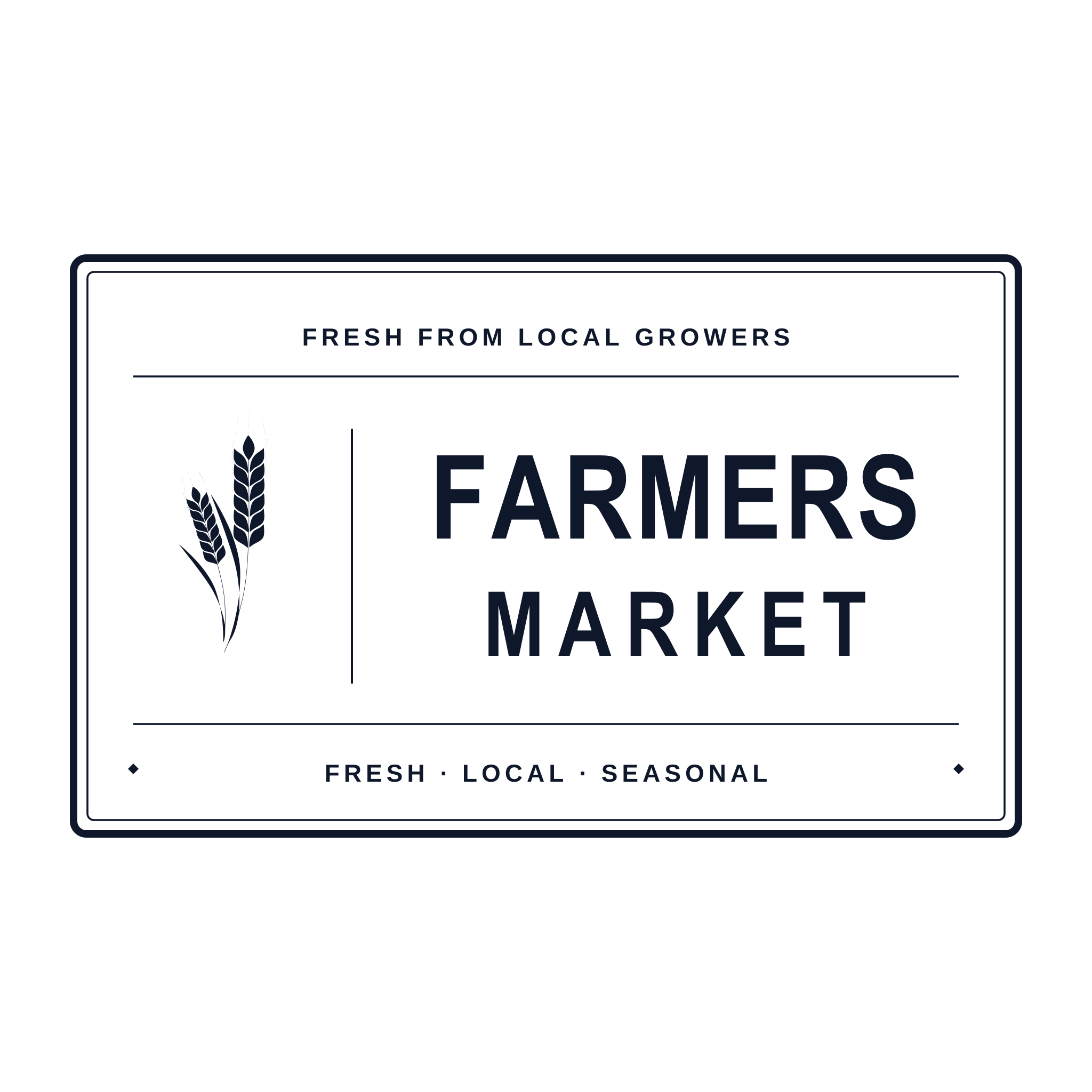
Example request
Please make a rectangular farmers market stamp from this wordmark. It should feel like a classic rubber stamp and be readable in black ink on labels and paper bags.
Use Cases
For the documents you send, the products you pack, and the moments you celebrate.

Turn a company logo or department logo into a complete one-color stamp image.

A consistent, professional finish for invoices and everyday documents.
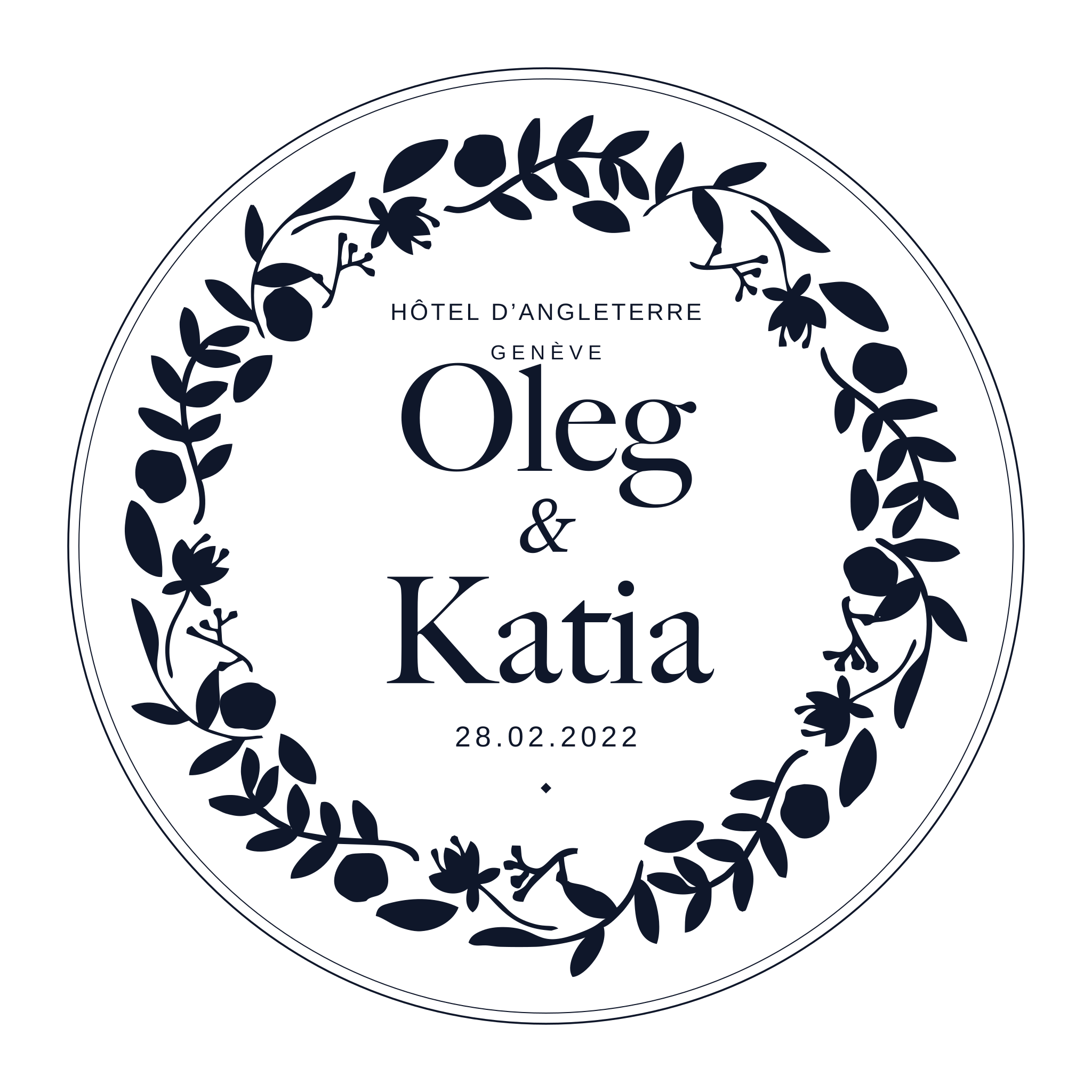
A personal touch for invitations, envelopes, and keepsakes.
Put your identity on packaging, labels, and thank-you notes.
Illustrative design preview
How it works
A basic image filter often leaves too much noise. This AI stamp maker tool keeps logos, trademarks, and company names clear while turning them into a simple one-color image that fits inside a business stamp.
Choose a logo, trademark, company name image, brand icon, or approval mark with clear edges.
Your instruction tells the AI what to keep, removes background clutter, and turns the upload into a clear stamp image.
Use the finished stamp in a document, or open it in Stampdy editor for more layout work.
Use cases
Use an image stamp maker when a business stamp needs a recognizable logo, trademark, brand icon, branch name, product mark, or approval symbol inside a complete stamp.
Use the classic stamp maker when you need full text rings, borders, exact company names, or PDF-ready placement. Use AI Stamp for text-first stamp designs, and use this AI image stamp maker when an uploaded business image needs to become stamp-ready.
A strong upload helps the AI stamp tool keep the important details while removing small parts that would blur in print.
Turn a company logo or department logo into a complete one-color stamp image.
Create a recognizable trademark, product mark, or brand icon without manual tracing.
Convert a company name image or short wordmark into a clean one-color stamp image.
Simplify approval marks, certification icons, and internal approval icons for stamp use.
No. The regular stamp maker is for manually building full stamp designs with text, borders, and download settings. This image stamp maker starts from an uploaded logo, trademark, company name image, or other business mark and generates a complete stamp image.
Each image-to-stamp generation uses 20 AI credits. The same credit balance is shared with the AI Stamp page.
Use one clear company image with visible edges, such as a logo, trademark, company name image, or brand icon. Avoid screenshots with tiny text, heavy shadows, or busy backgrounds. Already have a stamp on a scanned document? Try our “extract stamp from image” tool.
Download your result, then upload your stamp image to adjust its layout in the stamp editor.
Your logo should still feel like your logo. Sunburst Edit preserves its character while turning your artwork into a detailed stamp.