Custom Signature Stamp for Office Paperwork: Signature Maker Guide
You can turn your handwritten signature into a stamp for routine office paperwork in an afternoon. Sign on white paper, capture it cleanly, and use a browser signature maker to get a transparent image you can place on PDFs and Word files. If you also want a rubber signature stamp, a stamp shop can make one from the same clean image. The harder part is deciding where a stamped signature is acceptable, and keeping control of who may use it.
People who search for a custom signature stamp for documents and office paperwork usually want two things: to stop signing the same routine forms by hand, and to avoid using a stamp where a bank, a court or a client expects a handwritten or tracked electronic signature. The signature stamp page shows the routes Stampdy offers; this guide goes through both questions in more detail.
How a Signature Maker Turns Handwriting Into an Office Stamp
Good results depend on the source more than on the scanner. A phone photo is enough if the signature is dark, the paper is plain and the light is even.
Step 1: Sign a clean original
Sign several times on plain white printer paper with a black gel or felt-tip pen. A medium tip gives smoother, more even lines than a fine ballpoint, which tends to skip. Avoid lined paper: the printed lines run through your strokes and are hard to remove later. Pick the version with the smoothest curves and the most natural rhythm.
Step 2: Draw it or capture it
There are two routes, and both end with a transparent signature you can reuse.
- Draw it on screen. In the PDF editor you can draw, type or upload a signature and place it on a PDF in Free Mode, with no login. A stylus or trackpad works well for short signatures; a mouse is harder to keep smooth.
- Capture the paper version. Photograph or scan the signed sheet, then open the extract stamp from image tool and click the ink. The paper, shadows and grain drop away. Use the eraser for stray marks, check the preview, and download the transparent PNG; the preview is free and the download is part of Premium Tools.
The extraction route also works for an older scanned form where your stamp and signature already appear together, which is often the only good copy an office has.
Step 3: Size it for documents, or for a rubber stamp
On documents, a signature about 50 to 65 mm wide looks natural next to ordinary 10 to 12 pt text. Keep the proportions locked whenever you resize it.
For a physical signature stamp, send the stamp shop the largest clean version you have. A scanned signature is a picture, and it stays a picture even inside an SVG file, so the shop has to trace it into outlines before engraving. Ask them for a proof and check that the curves still look like your hand. If you want a printed name, a title such as Authorized Signatory, or a date line under the signature, lay that out in the stamp editor and send it along with the signature.
Whichever route you take, settle on one master version and use it everywhere. When the PDF image, the Word letters and the rubber stamp all come from the same signature, a reader comparing two documents sees the same mark, and nobody has to wonder which version is the approved one. Name the file clearly, note the date it was made, and keep the original paper or drawing with it in case the shop or your bank asks for it.
Where a Signature Stamp Fits, and Where It Does Not
A signature stamp saves real time on repetitive documents. It does not replace every signature, so sort your documents before anyone starts using one.
| Document | Signature stamp (image or rubber) | Tracked electronic signature | Handwritten original |
|---|---|---|---|
| Internal memos, welcome letters, certificates | Usually fine | Usually unnecessary | Optional |
| Purchase approvals, receiving slips, packing lists | Fine where internal policy allows it | Useful when several departments approve | Rarely needed |
| Client agreements, supplier contracts, NDAs | Weak on its own if a signature is disputed | Recommended: records who signed and when | Fine if both sides prefer paper |
| Bank mandates, cheques, deeds, court filings | Often refused | Depends on the bank and local law | Often required |
Whenever a document needs proof of who signed it, when, and that nothing changed afterwards, use a signing workflow rather than an image on a page.
Signature Stamp vs. Tracked Electronic Signature
A signature stamp, on paper or as an image on a PDF, shows what a signature looks like. It does not show who applied it, when it was applied, or whether the document was edited afterwards. For routine paperwork that is enough, and it is fast.
Stampdy's PDF editor has two modes:
- Free Mode, with no login: open a PDF, add stamps and signatures, move, resize or rotate them, and export the edited PDF. This suits forms you sign yourself.
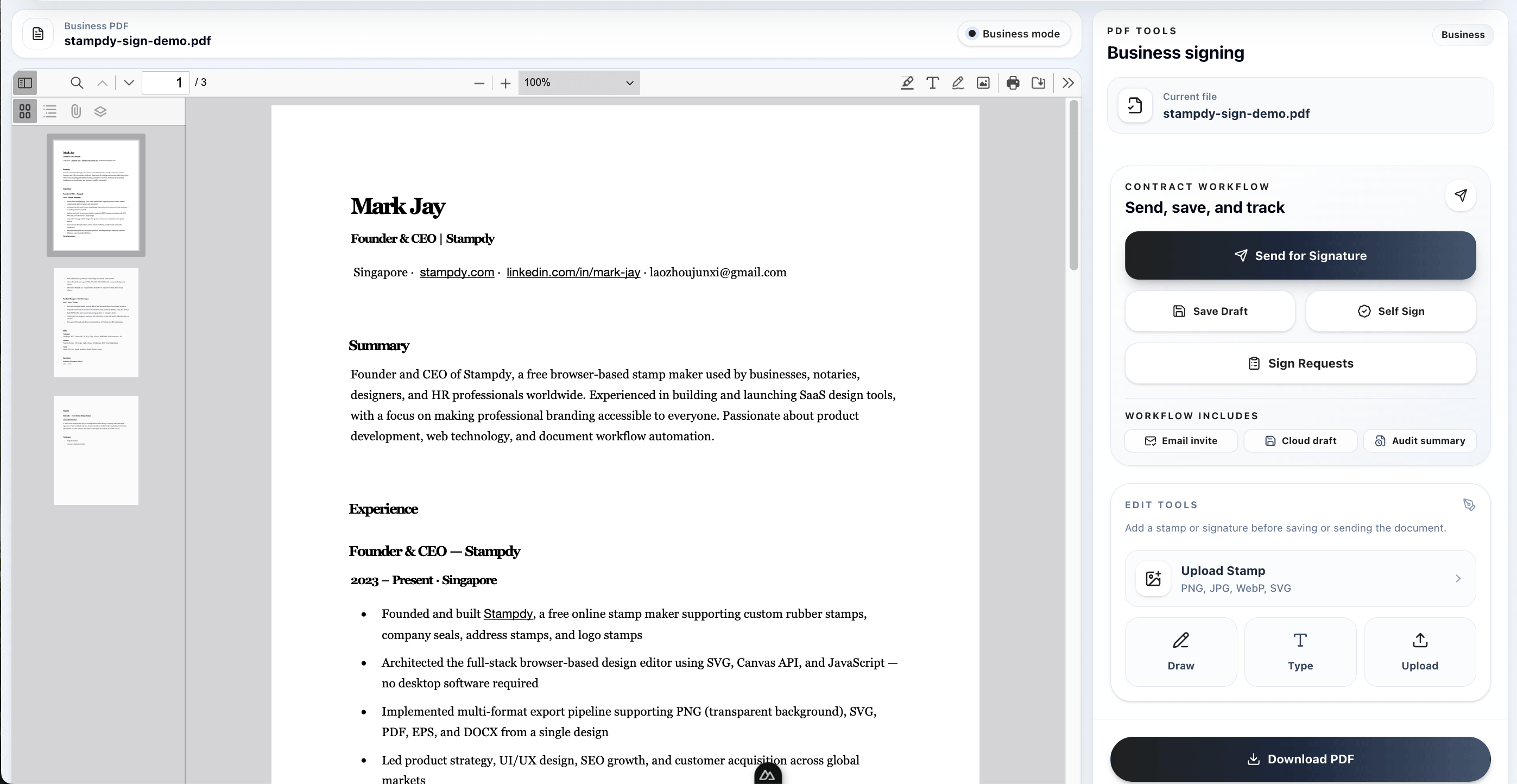
- Business Mode, after login: everything in Free Mode plus electronic signature requests. You send a signing link by email, the recipient signs, reminders go out automatically, and you can see whether each request is pending, viewed or signed. Drafts and signed PDFs stay in your history.

Rules for electronic signatures differ by country and by sector. Real estate, healthcare and finance sometimes require qualified certificates, witnesses or a notary, so check what applies before you rely on an electronic signature alone.
Placing a Signature Stamp on Word Documents and PDFs
Even a clean signature image looks wrong when it is too big, stretched, or sitting in a white box. A few habits make a difference:
- Keep the proportions. Resize from a corner with the aspect ratio locked so the letters do not stretch or squash.
- Let it cross the line slightly. Handwritten signatures dip below the signature line on letters such as g, y and p. Setting the image a little lower looks more natural than floating it above the line.
- Choose the colour on purpose. Dark blue separates the signature from black printed text; black suits forms that will be faxed or photocopied.
- Use a page tool for Word files. Word's text wrapping tends to push images around. The Add Stamp to Word tool shows the pages as Word lays them out, lets you place the signature and company stamp where you want them, and saves a flattened PDF with every mark fixed in place.
Who May Use the Signature Stamp
Anyone who holds the stamp or the file can reproduce the signature, so the rules matter as much as the image.
- Put the authorisation in writing. List who may apply an executive's signature stamp, on which documents, and up to what amount.
- Restrict the master file. Keep the transparent signature in a folder with limited access, not on a shared drive or inside a template everyone can copy from.
- Mark delegated use. When an assistant applies a manager's signature under authority, their initials or "p.p." next to it show who actually did it.
- Lock away the rubber stamp. A locked drawer, not the reception desk.
- Retire it when roles change. When a signatory leaves or changes role, destroy the rubber stamp, delete the shared file, and update the list of authorised signatories.
For stamps used on payments or approvals above a set amount, a simple log of what was stamped, by whom and on which date is worth keeping. It takes seconds per entry and answers most audit questions later.
Frequently Asked Questions
Can I make a custom stamp from my own handwritten signature?
Yes. Sign on plain white paper with a dark pen, photograph or scan it in even light, and remove the background with an ink extraction tool to get a transparent PNG. You can also draw or type a signature in the PDF editor and place it straight onto a document.
How do I copy a stamp and signature from a scanned page?
Use an extraction tool rather than a rectangular screenshot. It separates the ink from the paper texture and shadows, so the stamp and signature sit on another PDF or Word file without a white box behind them. Only do this with your own signature and stamp, or ones you are authorised to use.
Is a signature stamp legally binding?
On its own, a signature stamp does not prove who applied it or that they were authorised to. Stamped signatures are often accepted on routine forms when there is clear authorisation, but banks, courts and many counterparties expect a handwritten signature or a tracked electronic signature for important contracts and filings.
What files do I need for both documents and a rubber stamp?
A transparent PNG for PDFs, Word documents and online forms. For a rubber stamp, give the shop the largest clean version of the signature and ask them to trace it and send a proof. Saving a scanned signature as SVG does not turn it into vector artwork.
Conclusion
A signature maker gets your handwriting onto documents quickly: a clean transparent image for routine paperwork, and a sharp source that a stamp shop can trace for a rubber stamp. Use it where a visual signature is enough, move contracts and filings to a tracked signing workflow, and keep both the file and the stamp under clear rules.