Custom Stamps With Digital Seal Files: Stamp Maker Online Free Guide
Most stamp shops sell you the rubber stamp, not the file. Ask for the artwork afterwards and you may get a small proof image with a white background, or a quote for an artwork fee. That is why people look for custom stamps that include digital seal files: they want one design they can press on paper and also place on PDFs and Word documents. A stamp maker online free workflow turns the order around. You design the seal yourself in the browser, check it at its real size, and pay only when you want clean files. Those files then go wherever you need them, including to the shop that makes the physical stamp.
This guide covers what different providers usually include, what the files cost on Stampdy, which format suits which job, and what to ask a shop before you order a rubber stamp.
Which Custom Stamps Include Digital Seal Files?
It depends less on the stamp than on who makes it. Ask any provider two things before you pay: will I get a file, and what kind of file is it?
| Provider | Design and proof | Digital files | Good for |
|---|---|---|---|
| Physical stamp shop | A proof before production | Often not included; ask whether a file is available and whether it costs extra | Buying the rubber stamp only |
| Graphic designer | Paid design time | Usually part of the deliverable; confirm it in the quote | Complex logos and emblems |
| Browser stamp maker (free design, paid export) | Unlimited editing and preview | PNG, JPG, SVG, EPS, PDF, DOCX and TIFF, depending on what you buy | Seals you need on documents now and on paper later |
| Stamp feature in a PDF reader | Preset text stamps | Stay inside that program; no separate seal file | Quick DRAFT or APPROVED marks |
A checkout preview from a shop exists so you can confirm the wording. It is usually small and sits on a white background, so it will not lie cleanly on a PDF, and an engraver cannot cut from it.
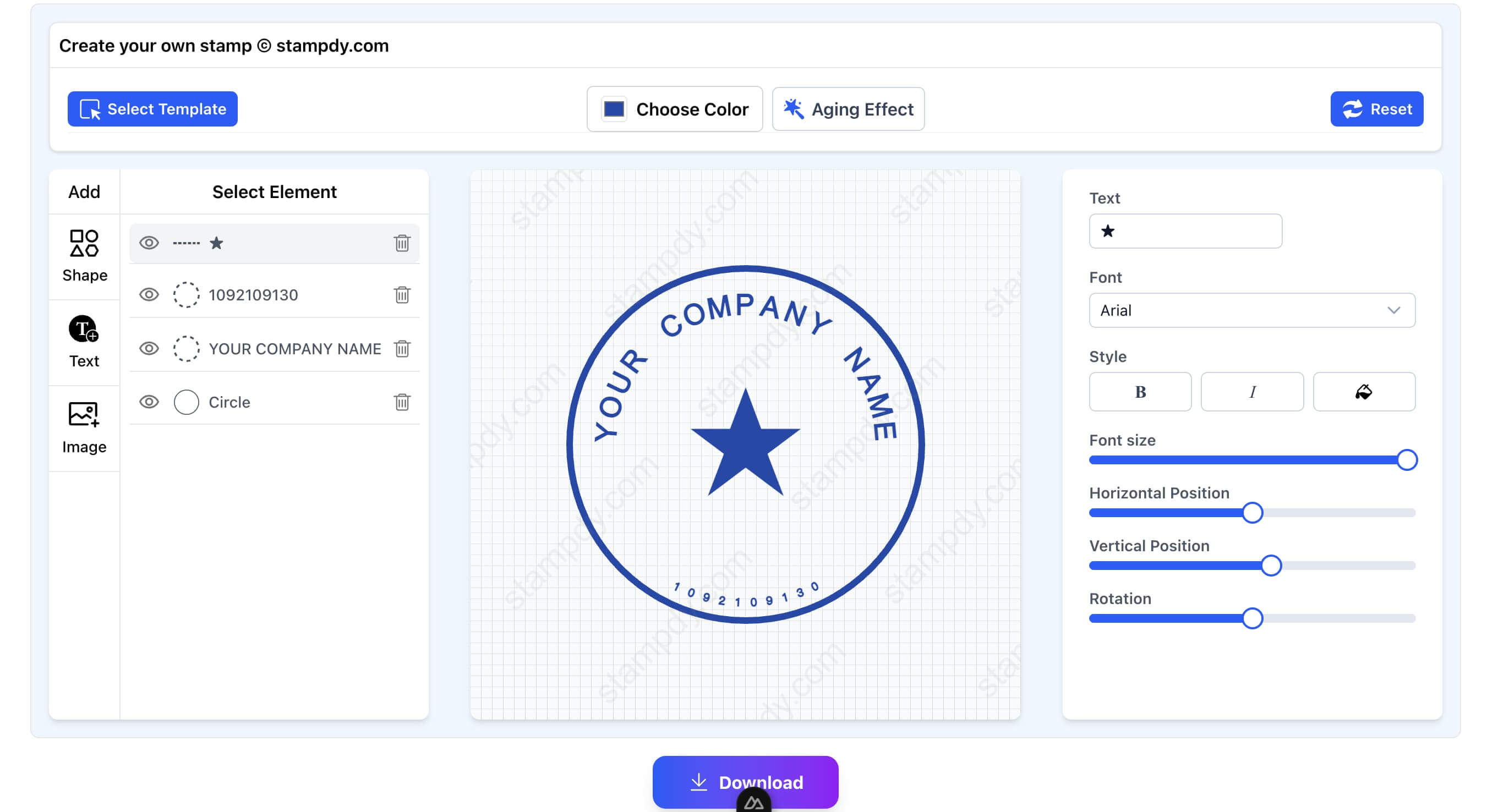
If you want a file you can keep using, start in an online stamp maker and set the ring text, borders, spacing and colour yourself. You see the seal at its print size while you work, and the same design can go to a shop later without being redrawn.
How a Stamp Maker Online Free Workflow Splits Design and Export
On Stampdy, designing is free and the export is what you pay for. Knowing where that line sits avoids surprises at checkout.
Free, with no account
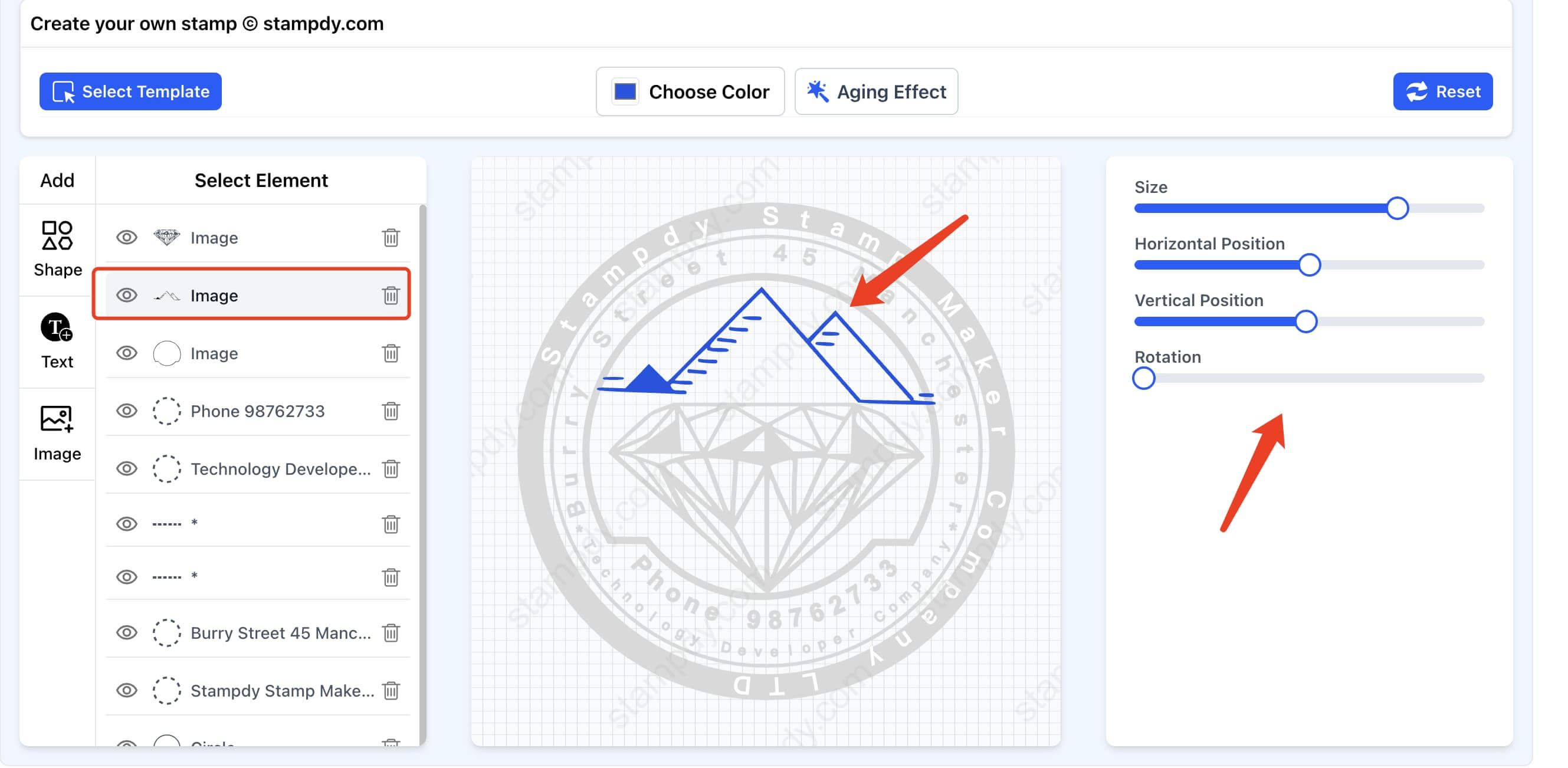
- Building the layout: round, oval, triangular or rectangular frames, curved ring text, inner borders, stars, and an uploaded logo in the centre.
- Starting from a template. The company seal templates show common arrangements of company name, city, registration number and role lines.
- Downloading a watermarked PNG sample to check the design with a colleague.
- Placing a stamp image you already have onto a PDF, a Word file or a photo.
Paid
- A single transparent PNG without the watermark: $2.5, once.
- The full pack for one design: $3.5, once. It contains PNG at three sizes (1x, 3x and 10x), JPG, SVG, EPS, PDF, DOCX and TIFF.
- 30 Days Unlimited ($15.9), 365 Days Unlimited ($119) and Lifetime ($299) cover unlimited downloads plus the Premium Tools, such as pulling an existing stamp out of a scan. The pricing page lists what each plan includes.
If there is any chance you will order a physical stamp, buy the full pack rather than the PNG. The SVG and EPS files are what a shop needs.
What Does a Custom Stamp Cost?
For a digital seal the arithmetic is short: $2.5 for a PNG, $3.5 for every format, or a plan if you have several stamps to make. An office setting up a company seal together with RECEIVED, PAID and APPROVED stamps will usually find the 30-day plan cheaper than buying four packs, and it leaves room for wording changes during the month.
A physical stamp is priced by the shop. The price moves with the size, the mount (self-inking, pre-inked or wooden), the number of ink colours and how quickly you need it, so headline prices are hard to compare. Compare what each quote includes instead:
- Is a proof included, and how many rounds of changes?
- Is there a setup or artwork fee when they typeset the design, and does it go away if you send a finished file?
- Which file formats do they accept, and do they want the artwork in black?
- Will they send you the final artwork file afterwards, and is that extra?
- How long does production take, and how long does shipping take?
Sending your own finished file usually removes the typesetting step. It also means the paper stamp matches the seal you already use on PDFs, letter for letter.
The screenshot shortcut
Some people screenshot a preview or crop a photo of an old impression to save the export fee. The same three problems tend to follow. The image carries a white box that hides text and table lines underneath it. The edges go soft as soon as the page is printed or zoomed. And the grey, anti-aliased outline gives an engraver nothing clean to cut.
If what you have is a real impression on paper, use the extract stamp from image tool instead of cropping. You click the ink colour and it separates the stamp from the paper and its shadows. The preview is free; downloading the transparent result is part of Premium Tools.
How Long Does It Take?
- Designing: a few minutes for a simple seal, longer when the wording has to be checked with someone first.
- Digital files: the download starts as soon as the payment goes through, so the seal can go on documents the same day.
- A physical stamp: ask the shop. Production is often quick once they have a ready file; shipping is usually the longer part.
Because the files arrive at once, many offices start using the seal on PDFs and invoices straight away and order the rubber stamp from the same file in parallel.
Which Export Format for Which Job?
- Transparent PNG: PDFs, Word documents, invoices and slides. The page shows through, so lines and text under the stamp stay visible. PNG and JPG files carry the print resolution, so they print at the size you chose.
- SVG and EPS: the vector files for stamp shops, engravers, die makers and printers. Rings and lettering stay sharp at any size. One exception: a logo you uploaded as a PNG or JPG stays a picture inside the SVG, so send the shop your original vector logo too.
- PDF: a proof at actual size for a manager, a lawyer or the shop to check. Stampdy builds it from a high-resolution image, so treat it as a proof rather than as vector artwork.
- DOCX: the stamp already placed at its real size in a Word file, for colleagues who live in Word.
- TIFF and JPG: for print systems and archives that ask for these formats, or anywhere a white background is acceptable.
If the shop wants black artwork, switch the ink colour to black before you export. Blue or red is right for documents; the shop only needs the shapes.
Checklist Before You Export or Order
- Check the wording. Compare the legal name, abbreviations (LLC, Inc., Ltd., Pvt. Ltd.), registration number and city with your registration certificate.
- Look at it at actual size. 38 to 42 mm is a common size for round company seals. Text that looks fine zoomed in can fill in with ink at that size.
- Avoid hairline rings. Very thin circles look crisp on a bright screen but can break on a rubber die.
- Use your office's ink colour. Blue makes an original easy to tell from a black-and-white copy; red stands out for PAID or URGENT.
- Keep both files. Put the PNG where people stamp documents and the SVG or EPS in a shared folder, so replacing the stamp next year does not mean rebuilding it.
Frequently Asked Questions
Do physical stamp shops include digital seal files?
Some do and many do not. The preview at checkout is usually a low-resolution proof. If you want a file, ask before you order whether one is included, which format it is, and whether it costs extra.
Can I design my stamp for free and pay only for the files I need?
Yes. Designing, previewing and a watermarked sample are free on Stampdy, with no account. When the design is final you can buy a $2.5 transparent PNG, the $3.5 pack with every format, or a plan if you make stamps regularly.
Which file should I send to a stamp shop?
The SVG or EPS file, together with the size in millimetres or inches. Ask for a proof before they make the stamp. If the seal contains a logo you uploaded as an image, send the original vector logo as well.
Is a digital stamp legally valid on contracts?
A stamp image is a visual mark. It shows that a document passed through your office, but on its own it does not prove who applied it. Rules for company seals and electronic signatures depend on the country and the type of document. For contracts that need proof of who signed and when, use a signing workflow that records it.
Conclusion
Whether a custom stamp comes with digital seal files depends on who makes it, so ask before you order. A stamp maker online free workflow lets you settle the design first, use the seal on documents the same day, and hand a shop the SVG or EPS file whenever you want the rubber version. One design then serves both the paper and the PDF.