Stamp Maker Online for Text Revisions: Where Stampdy Helps
The advantage of a stamp maker online becomes clear when the design is nearly finished and one line changes. You do not need another hundred concepts. You need to change the exact words, preserve the recognizable parts, and download a result that behaves as expected in the document where it will be used.
Stampdy's regular editor supports that kind of controlled revision when the stamp contains editable text elements. You can select the relevant element, change its wording, adjust its layout, and export the revised composition. That is different from trying to repair letters inside a flattened image. The distinction determines whether the following workflow will help you.
Start With a Small, Explicit Revision
Take a hypothetical stamp containing a leaf emblem, a circular border, and the name “NORTH MILL.” The owner wants “NORTH MILL STUDIO,” but wants the emblem, overall diameter, and color to remain unchanged. This is an illustrative example, not a customer case or a measured test.
Write the requested change in one sentence before touching the controls. Then list the elements that must stay fixed. This prevents a narrow wording correction from turning into an accidental redesign.
Open the existing editable design in the Stampdy stamp maker, or start from an appropriate template if you have not yet created it. Before editing, keep a reference image of the current composition and note its intended size. A reference is useful for visual comparison, but it is not a replacement for the editable design.
Do not assume that importing a PNG of the old stamp will restore its text fields. In a bitmap, the lettering is part of the picture. You can reposition the picture as an element, but correcting a word inside it is a different task.
Use the Stamp Maker Online to Select the Actual Text
Stampdy provides an element list and canvas selection. Select the text that needs revision and confirm that its controls correspond to the words you intend to change. If elements overlap, the list is a useful way to make the selection explicit.
Replace the content before adjusting the geometry. Read it back character by character, including spaces and punctuation. A visually balanced misspelling is still a failed revision, and polishing it first only makes the error less noticeable.
The benefit here is direct control over a known element. You are not asking the rest of the design to be generated again, and you do not have to accept a changed emblem just to obtain a longer name. This is a property of working with separate editable components, not a claim that Stampdy is the only product capable of it.
If changing the words appears to alter the wrong line, stop and confirm the selection. If there is no editable text field for that wording, investigate whether it belongs to an uploaded image. Repeatedly searching for a hidden font setting will not turn a raster logo into native text.
Give Longer Wording a Different Shape Before Making It Tiny
In the example, the extra word may crowd a straight line. Reducing the entire stamp would make everything smaller, including the emblem and border that were supposed to remain fixed. Reducing only the font may be appropriate, but it should not be the automatic first response.
Stampdy's text presets include straight placements, upper and lower circular arcs, and upper and lower oval layouts. Applying a preset to supported text changes its arrangement while retaining common attributes such as the wording, font, and font size. The geometry still needs inspection afterward; a preset is a starting arrangement, not an automatic guarantee of fit.
For the hypothetical circular stamp, try the longer name on an upper arc. Check both ends of the line against the border. Then inspect whether the emblem now feels too close to the lettering. Adjust the selected text's available controls deliberately rather than changing several unrelated elements at once.
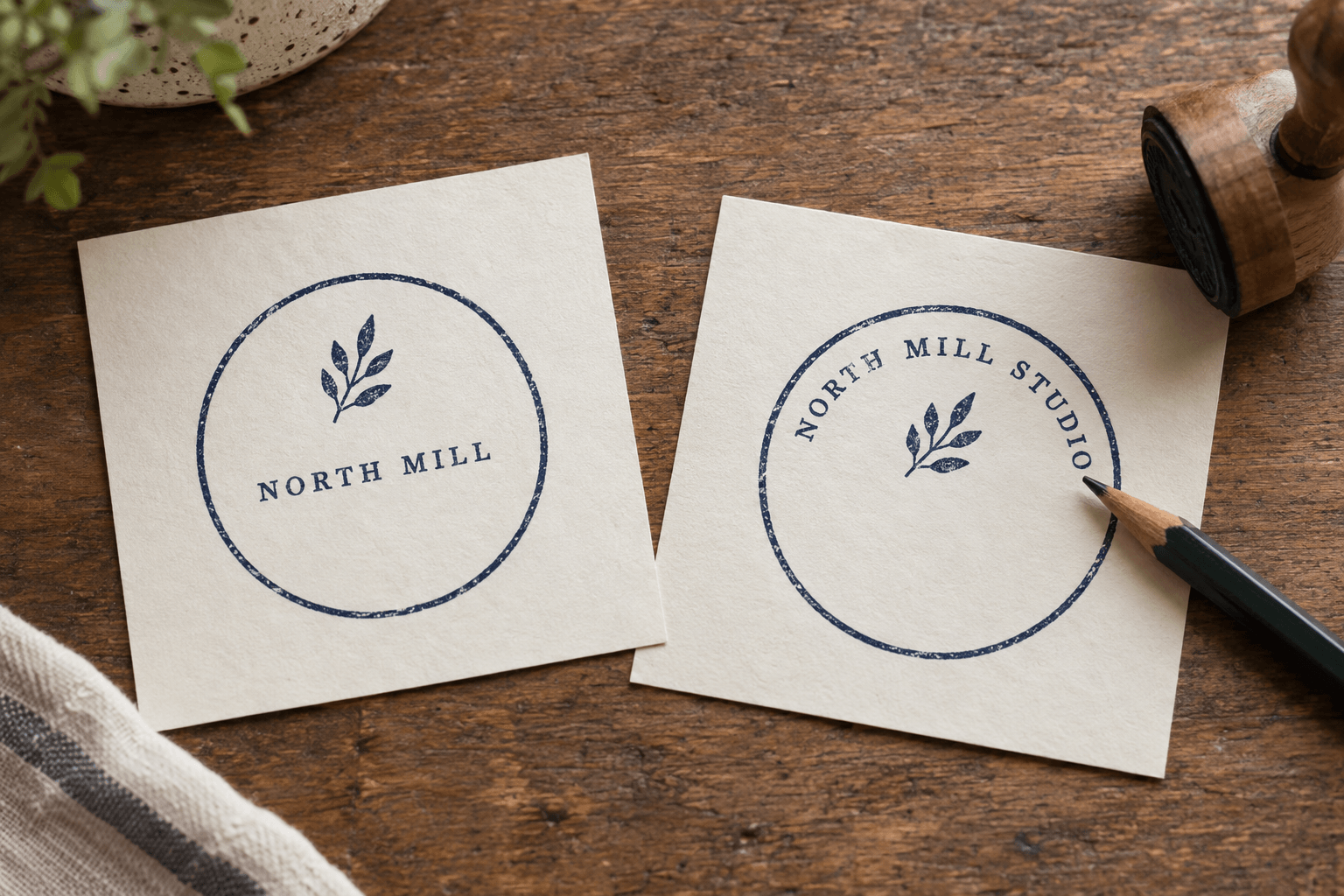
AI-generated illustration of the hypothetical revision. It is not a Stampdy screenshot or an exported product sample.
A longer line can also require a different arrangement altogether. If the name remains crowded, the long company-name layout guide covers decisions about line breaks and usable space. Do not force every name onto a semicircle merely because the border is round.
There is a practical stopping rule: if fitting the new words requires shrinking them beyond comfortable reading at the intended size, revisit the layout. An enlarged editing canvas can conceal that problem.
Check What Was Supposed to Stay the Same
Compare the revised design with the original reference in two passes. First, look only at the changed line. Is the content exact? Is the new arrangement balanced? Are any letters crowded or clipped?
Second, ignore that line and inspect the supposedly unchanged parts. Confirm the emblem's shape, border, color, and overall proportions. This second pass is easy to skip because attention naturally follows the latest edit.
Canvas positioning can help place an editable text or image element, but dragging is not a reason to move everything until the composition merely looks plausible. If a mark must stay centered, verify its relationship to the frame after the text change. A longer arc can make an unchanged center appear visually different even when its coordinates have not moved.
For a clean business mark, review without relying on distress or aging texture to make the composition feel finished. Texture can make tiny gaps harder to judge. If the final design deliberately uses an aged appearance, add that decision to the review rather than treating it as a correction for spacing.
This is the part of the workflow where Stampdy's separate controls are useful: the revision can remain local. It still requires a person to decide whether the final mark communicates the right information.
Download Formats Solve Different Delivery Problems
Stampdy's regular editor prepares a main export pack containing PNG, JPG, SVG, PDF, and DOCX. EPS conversion is handled separately and may finish after the main pack. Access depends on the applicable purchase, credits, or subscription; the available preview should not be confused with unrestricted final downloads.
For this revision, choose the file for its destination rather than assuming every format is another editable copy of the design:
| Output | Useful role | Important boundary |
|---|---|---|
| PNG | Placing the stamp as an image where transparency is needed | The words are pixels, not editable text fields |
| JPG | A white-backed image for a destination that expects JPEG | The white background is part of the delivered image |
| SVG | Further inspection or a workflow that accepts SVG artwork | Embedded images or raster fallback can prevent a pure-vector result |
| PDF or DOCX | Receiving the stamp in a document container | The regular editor embeds a PNG; it does not recreate the letters as live document text |
| EPS | A separate conversion for a compatible receiving workflow | Confirm the conversion completed and that the recipient accepts the result |
The practical advantage is that you can deliver the same revised composition to different destinations without rebuilding it independently in each document. The limitation is equally important: a Word file is not a second Stampdy editor. If the name changes again, revise the source design rather than expecting to click individual letters inside the DOCX image.
Before sending an SVG or EPS to a physical maker, have them inspect the actual contents. A file extension is not proof that all artwork consists of editable vector paths, and it is not a manufacturing approval.
Inspect the Revision Where It Will Be Used
Place the chosen output in a copy of the destination document. Use the intended size and position. Check the blank spaces inside the mark against the actual page background; a stamp that looked fine on a white editor canvas may behave differently when a white-backed image covers a shaded form.
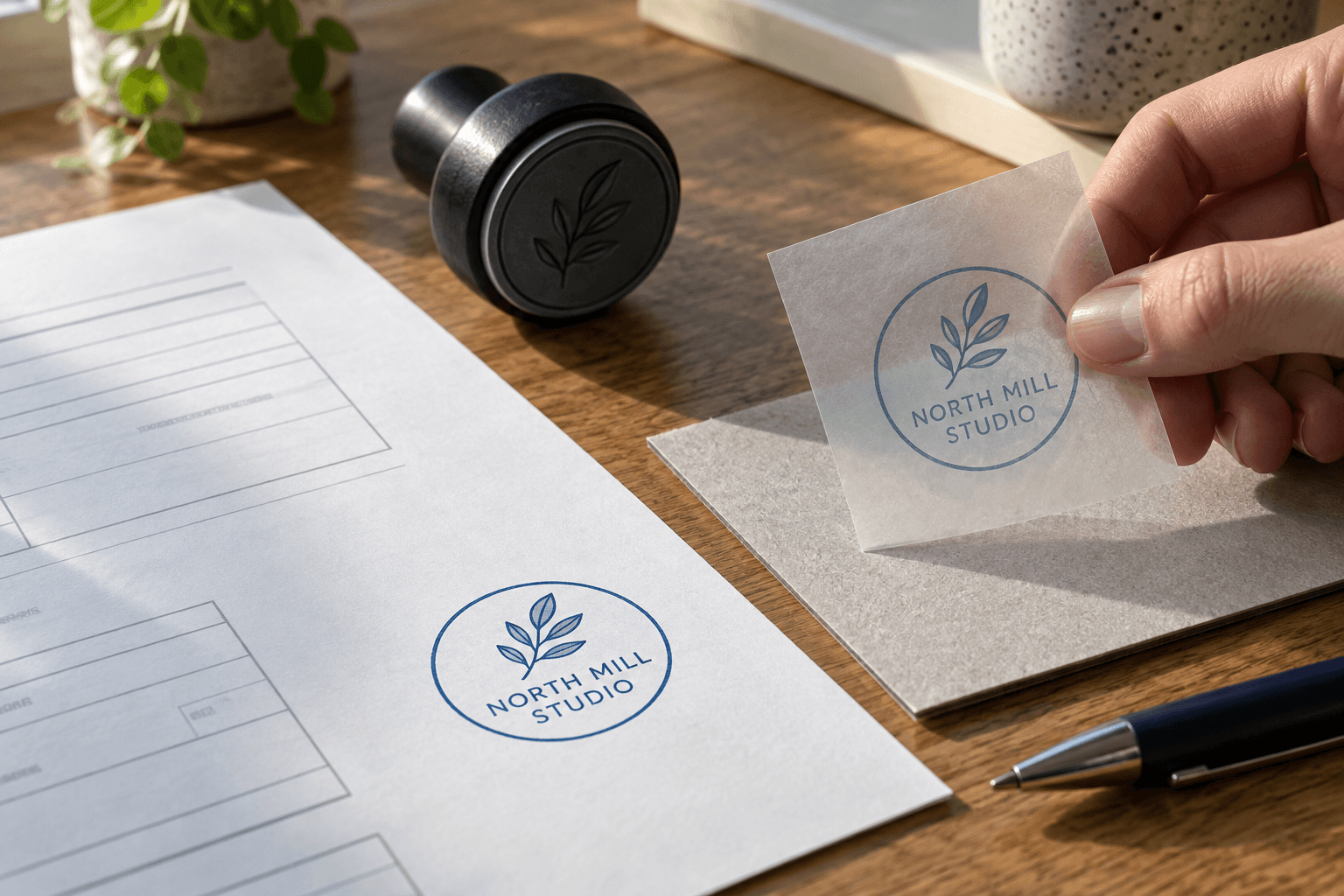
Generated document-placement illustration. The translucent sheet is a visual analogy, not a software feature or a fidelity test.
Look for practical failures: a border trimmed by the placement area, a line sitting over a form label, or a longer name that becomes difficult to read after scaling. Correct the cause in the relevant place. A wrong word belongs back in the stamp design; an awkward page location belongs in the document layout.
Keep the reviewed export apart from earlier downloads. Rename the final local files clearly enough that another person can identify the revised wording without opening every candidate. This is a manual organizational step, not a claim that the editor provides a team approval or version-control system.
When This Workflow Is the Wrong Starting Point
If all you have is a photograph of an existing impression, first decide whether you need faithful cleanup or a new editable reconstruction. Stampdy's stamp extraction tool addresses isolation of a mark from an image. It should not be mistaken for a promise to recover every letter as a text object.
If the design is mostly a detailed bitmap logo, changing nearby native text does not make the logo editable. Keep that boundary clear when planning future revisions. You may need a suitable vector original or a separately rebuilt design.
If the main concern is physical manufacture, the workshop must still approve dimensions and detail. If the mark is being used in a signing process, a visible stamp image alone does not provide evidence of who authorized the document. Neither problem is solved merely by having more download formats.
Frequently Asked Questions
Can I correct the wording directly in the downloaded DOCX?
The regular editor's DOCX contains the stamp as an image. Word can position or resize that image, but the stamp's letters are not ordinary editable Word text. Make the wording correction in the editable design and export the revised result.
Will choosing an arc preset rewrite the text?
The preset conversion retains the existing text content while changing its supported layout. You should still inspect spacing, orientation, and fit afterward. Keeping the words unchanged is different from ensuring that a longer line fits its new geometry.
Is it safe to rely on the browser as my only archive?
Do not treat browser persistence as a permanent archive or a guarantee of recovery across devices. Keep the approved wording, reference proof, and delivered files somewhere you control. Before a later revision, confirm that the editable design you intend to use is actually available.
Conclusion
A stamp maker online is useful for revisions when the parts you need to change remain editable. Stampdy's text controls, layout presets, and export options support that workflow without requiring a new concept for every wording correction. Finish by checking the exact text, the unchanged artwork, and one export in its real destination—not just the enlarged canvas.